
Dial in the
perfect light.
A tiny macOS menu bar app to control your Logitech Litra lights. Brightness, color temperature, presets — without ever leaving your workflow. No G Hub required.
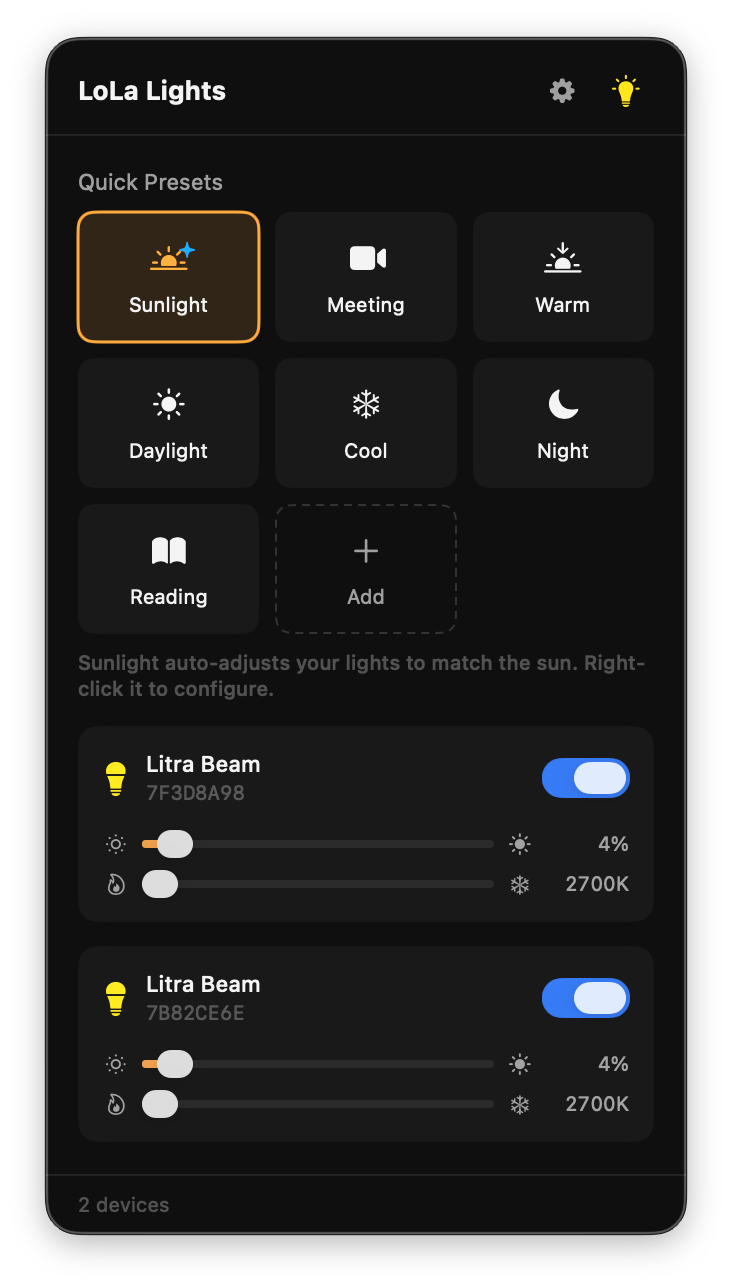
Sunlight Mode
Automatically adjusts brightness and color temperature based on the position of the sun. Your lights follow the natural rhythm of the day — warm at dawn, bright at noon, soft at dusk. It stays on through screen sleep and restarts, and picks the day back up where it is, not where you left it.
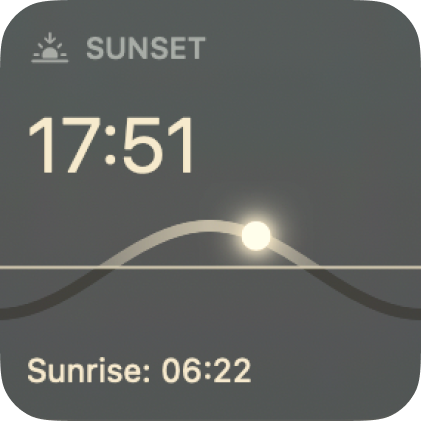
Menu Bar Native
Lives in your menu bar. No dock icon, no window clutter. Click the lightbulb and you're in control.
Quick Presets
One-click presets for meetings, reading, night mode and more. Create your own custom presets too.
Auto-Detection
Plug in your Litra or pair it over Bluetooth and it just works. No drivers, no config files, no external tools required.
Multi-Device
Control multiple Litra lights independently or all at once with a single master toggle.
Screen Sleep
Lights switch off when your display sleeps and come back when you wake it — sunlight mode included, retuned to the current hour.
Lightweight
Built with native Swift and SwiftUI. No Electron, no bloat. Uses macOS IOKit directly.
Two ways to run it
Most people want the app. If you already use SwiftBar, there is a plugin instead — same lights, one menu bar tool, and a command line to script it with. Pick one; you don’t need both.
The app
Drag it to Applications and you’re done. Presets you can edit, sunlight mode, Bluetooth repair, and lights that switch off when your display sleeps.
The SwiftBar plugin
For SwiftBar users: the same controls in a plugin — presets, sunlight mode and startup scenes — plus a lit command for scripts and Raycast. It comes in the same download, in a folder of its own, with a one-line installer. Switching your lights off when the display sleeps is the one thing that needs the app.
Supported Devices
The Best Litra Beam App for Mac — No G Hub Required
Litbar is a native macOS alternative to Logitech G Hub for controlling your Litra Beam, Litra Beam LX, and Litra Glow desk lights. Instead of running a heavy gaming software suite, Litbar lives in your menu bar — giving you instant access to brightness, color temperature, and preset controls. Whether you’re on a video call, streaming, or working late, dial in the perfect lighting in one click. Built with Swift and SwiftUI, it connects directly via USB with zero configuration.
Frequently Asked Questions
Is Litbar a Logitech G Hub alternative for Litra?
Yes. Litbar is a lightweight macOS app that replaces Logitech G Hub for controlling Litra Beam, Litra Beam LX, and Litra Glow lights. You don't need G Hub installed at all — Litbar connects directly to your Litra via USB using macOS IOKit.
Can I control my Litra Beam on Mac without G Hub?
Absolutely. Litbar is a standalone Litra Beam app for Mac that requires no drivers, no G Hub, and no configuration. Just plug in your Litra Beam and it auto-detects. Control brightness, color temperature, and save presets — all from your menu bar.
Which Logitech Litra devices are supported?
Litbar supports the Logitech Litra Beam, Litra Beam LX, and Litra Glow. You can control multiple devices independently or together with a single master toggle.
What is Sunlight Mode?
Sunlight Mode automatically adjusts your Litra's brightness and color temperature throughout the day based on the real position of the sun. Warm light at dawn and dusk, bright cool light at noon — so your desk lighting matches natural daylight without any manual adjustments.
Why not just use Logitech G Hub?
G Hub is a large gaming-focused application (~1 GB) that controls all Logitech peripherals. If you only need to control your Litra lights, Litbar is a much lighter alternative — native Swift, no bloat, instant access from the menu bar, plus features G Hub doesn't have like Sunlight Mode and screen sleep integration.